
The difference isn’t your telescope.
It’s the edit.
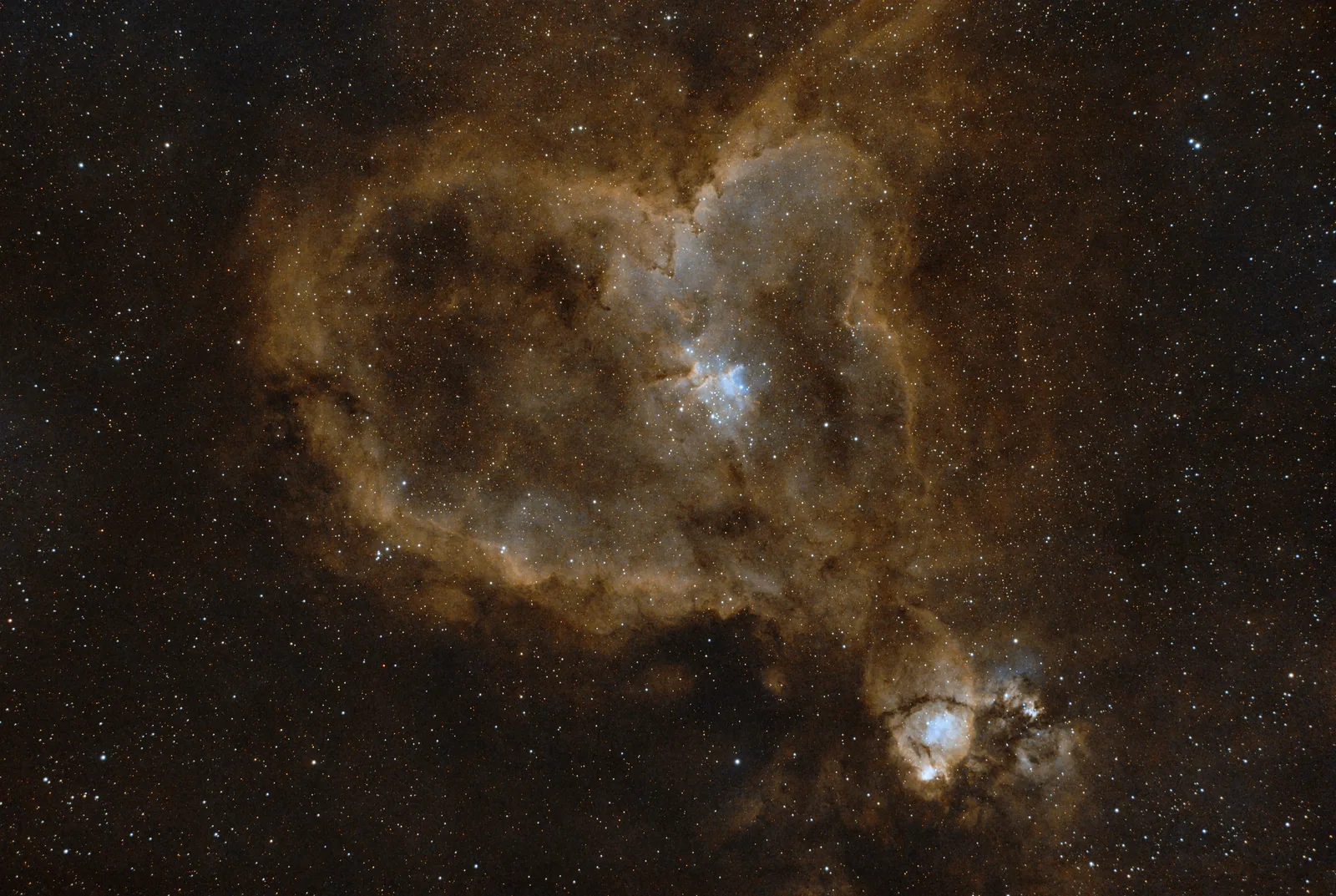
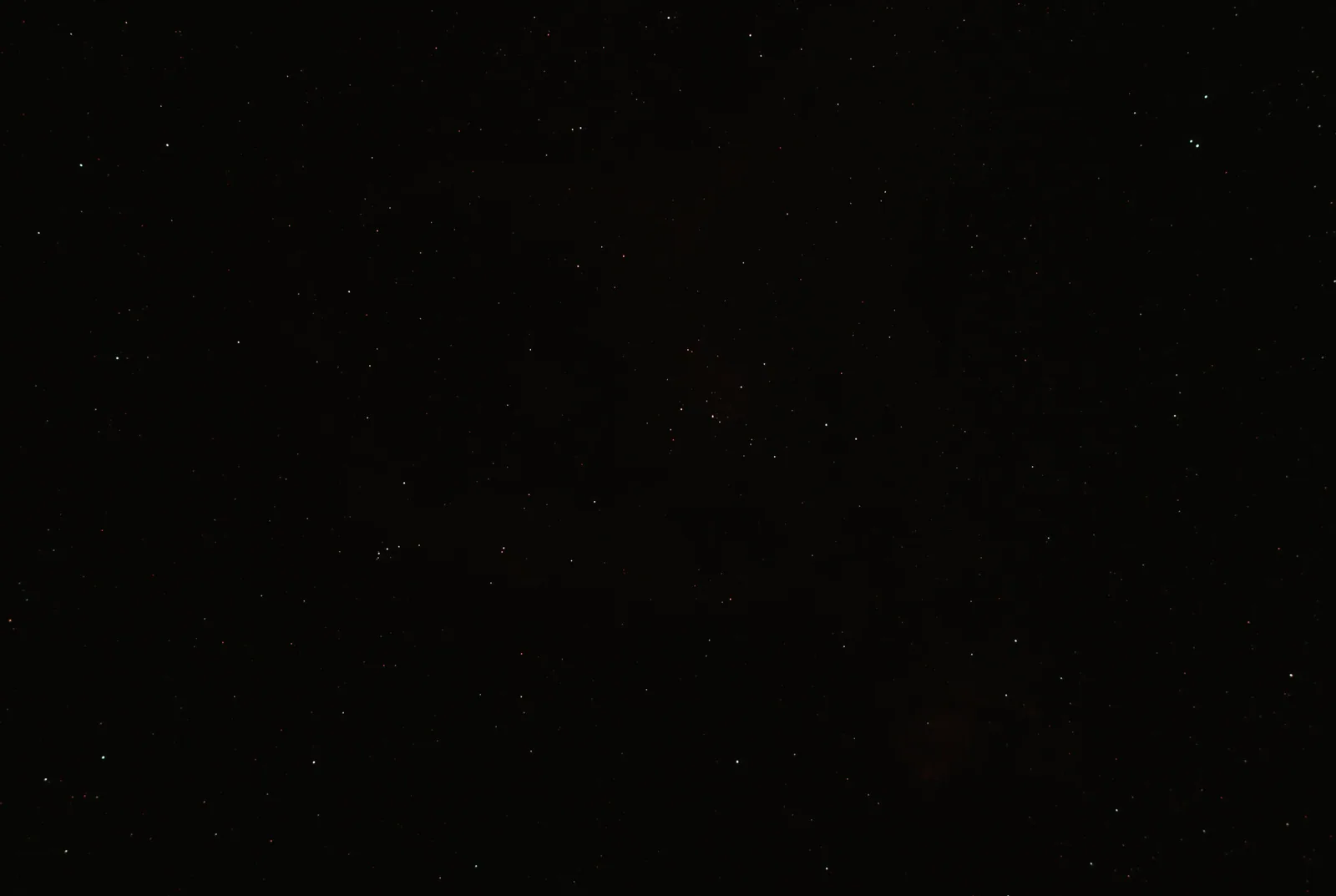
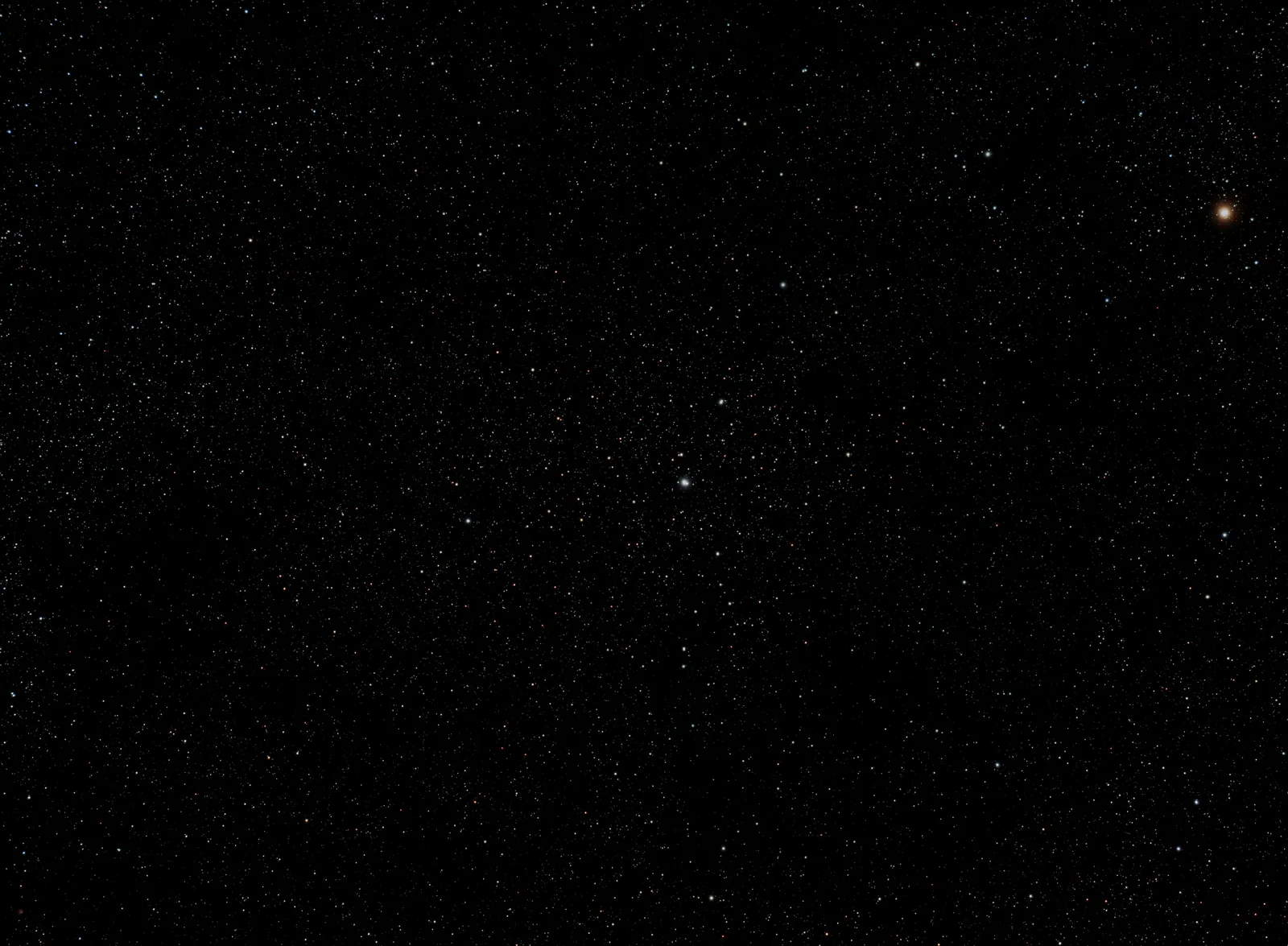
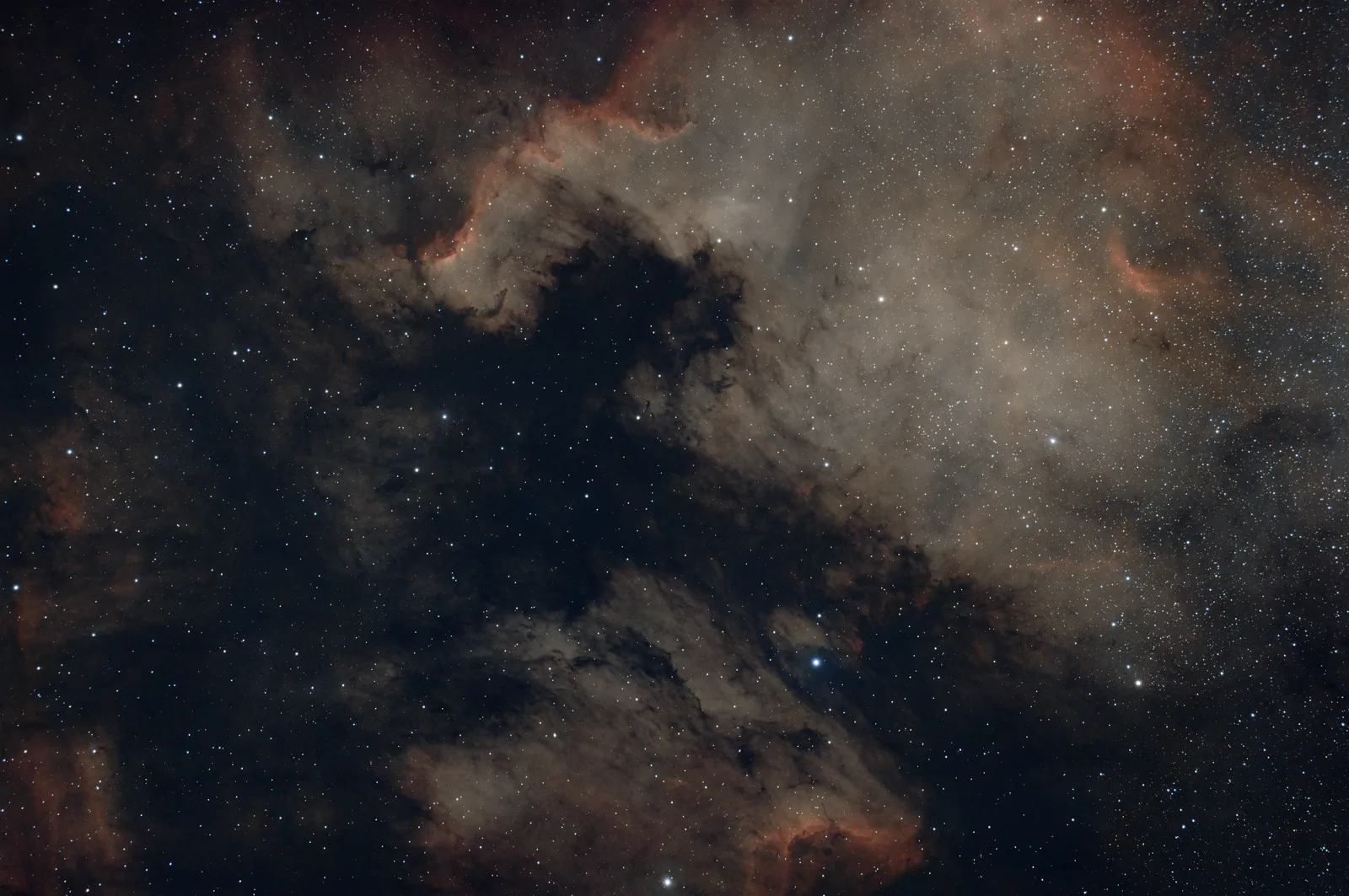
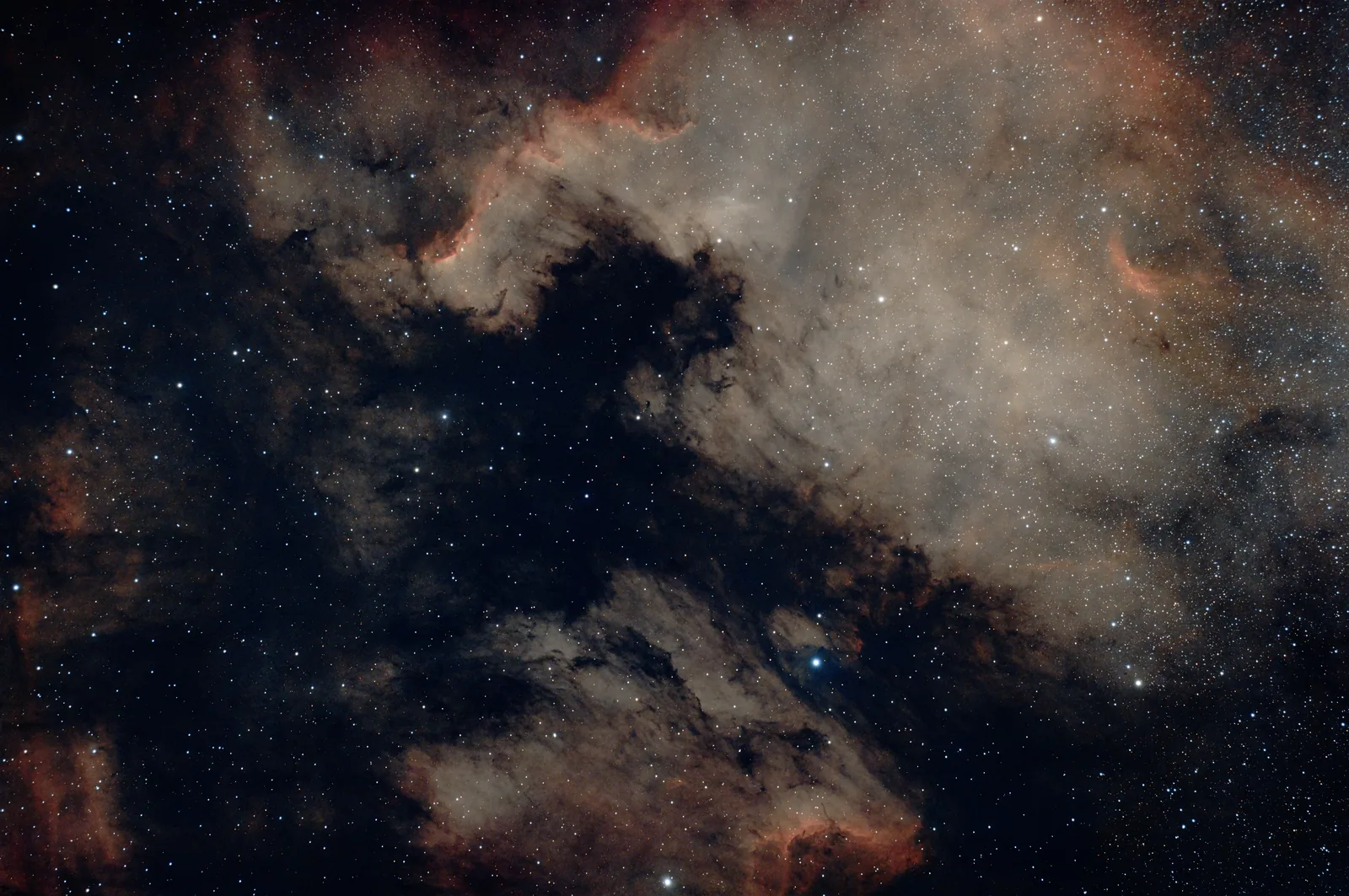
Drag the slider below. Left is a stacked, unedited file. Right is the same file after AstroEditor AI Pro — Take control of the AI models and guide them to create your next masterpiece - five colour palettes, star reduction, stretch control and so much more, in about the time it takes to make a coffee.
Or get lifetime access for just £100.
Edited by Pro, shot by people like you
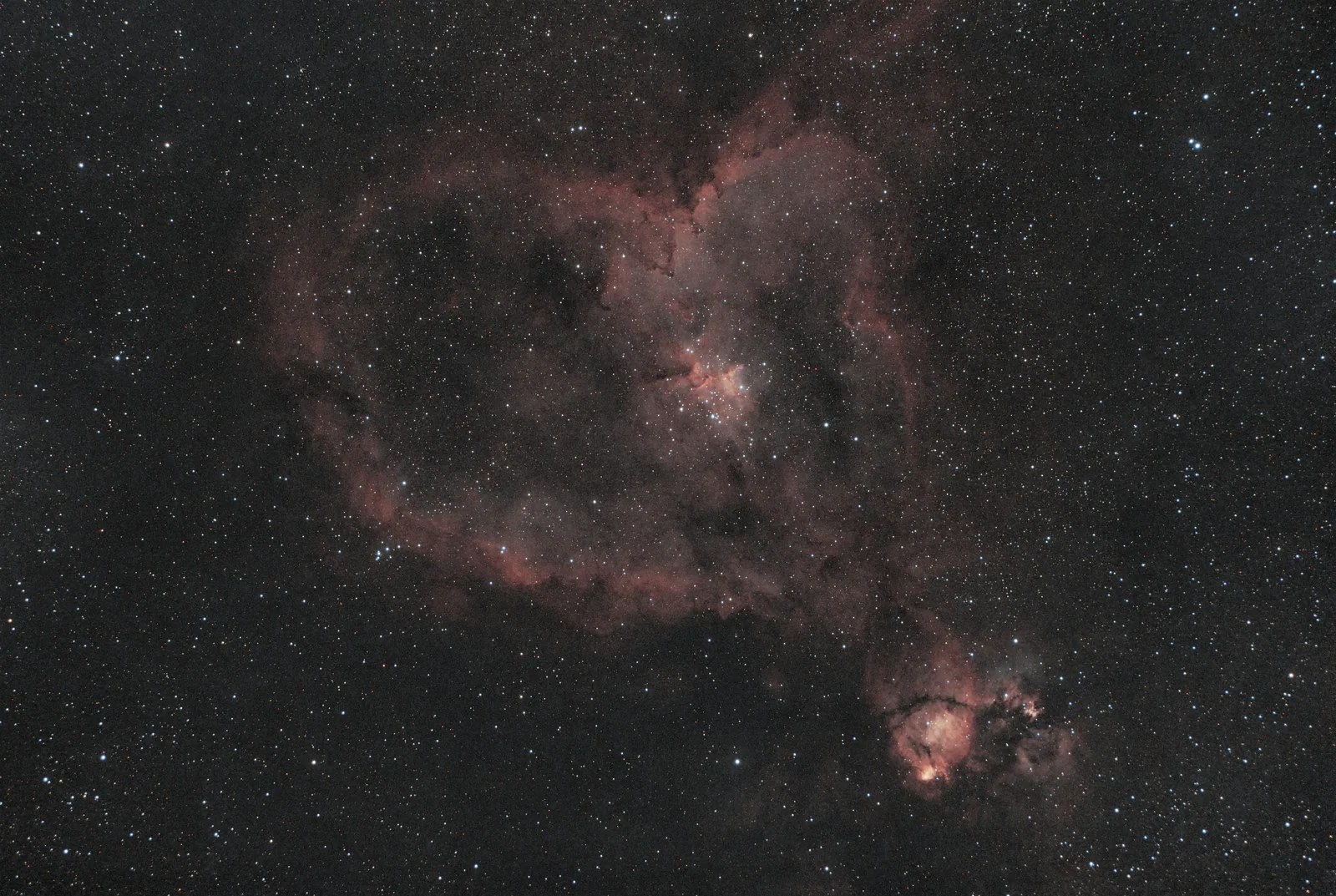
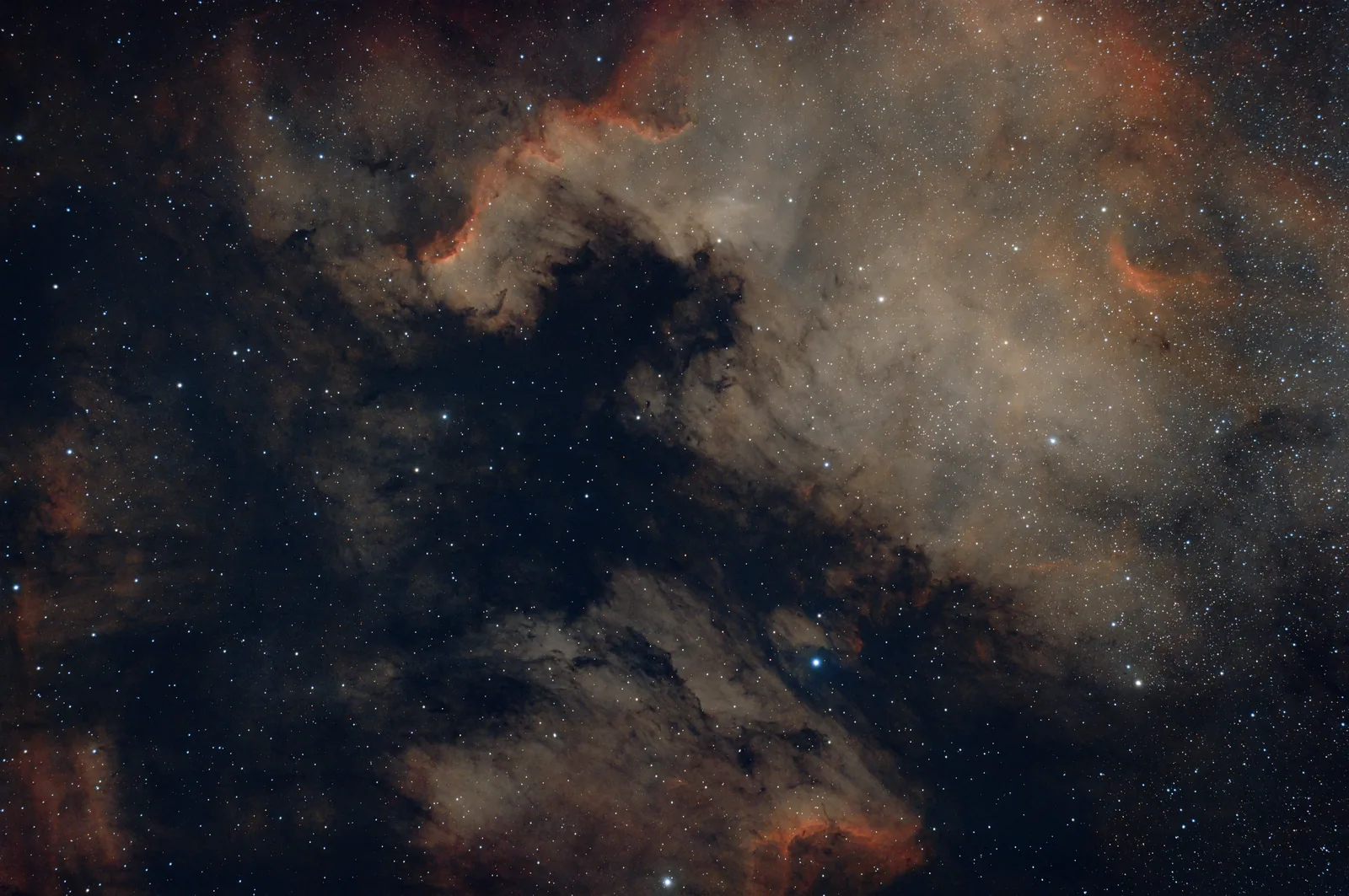
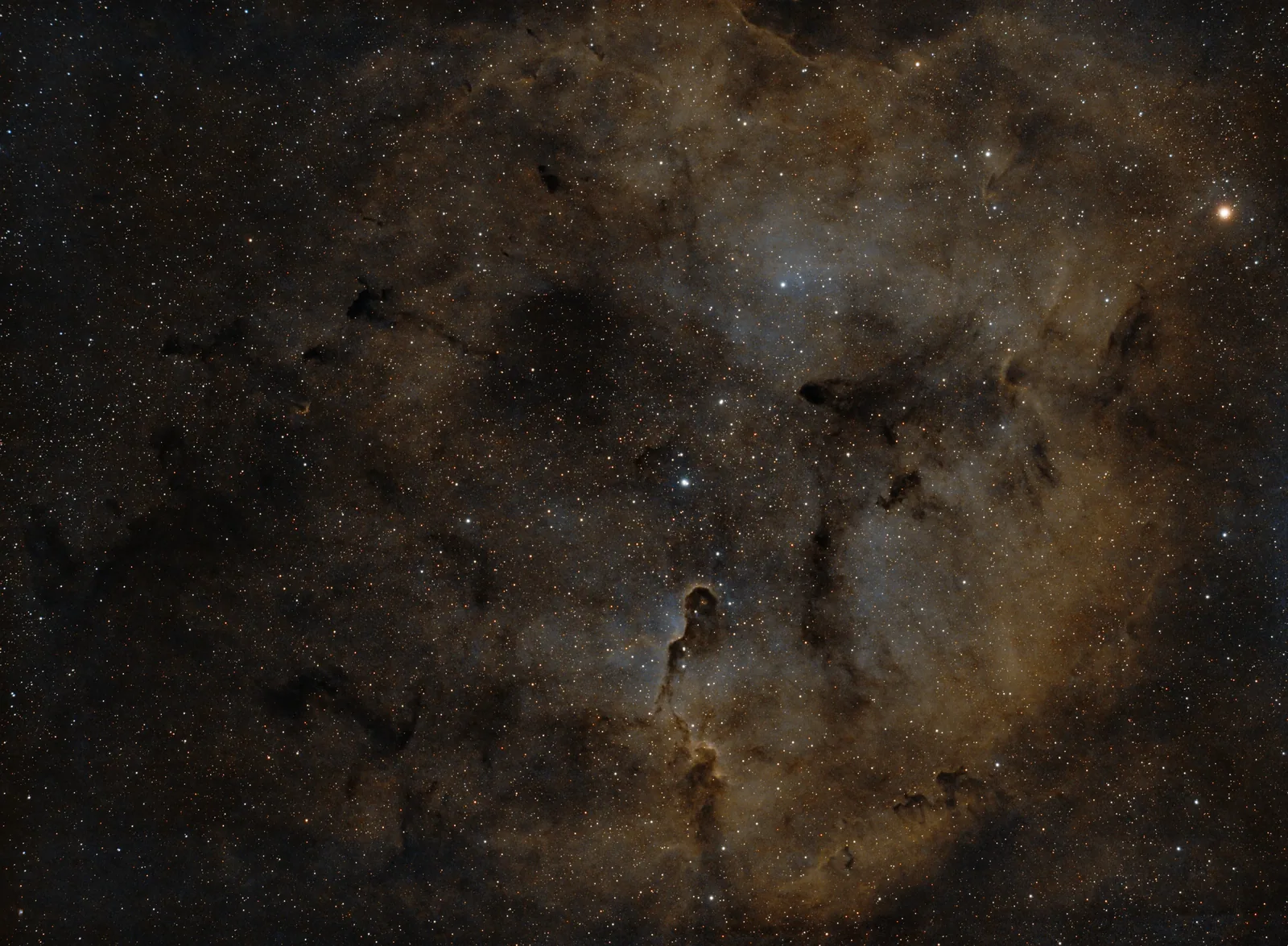
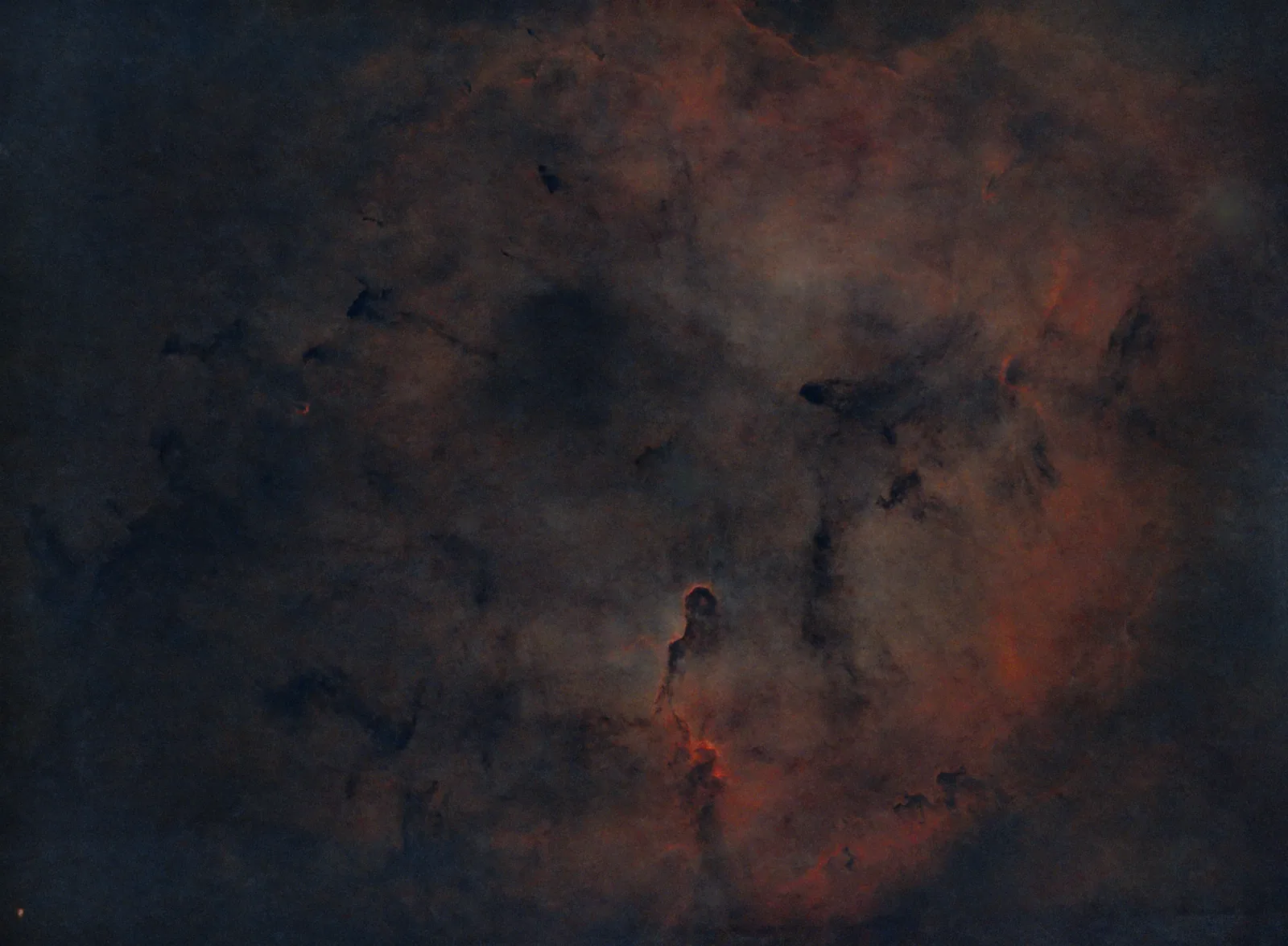
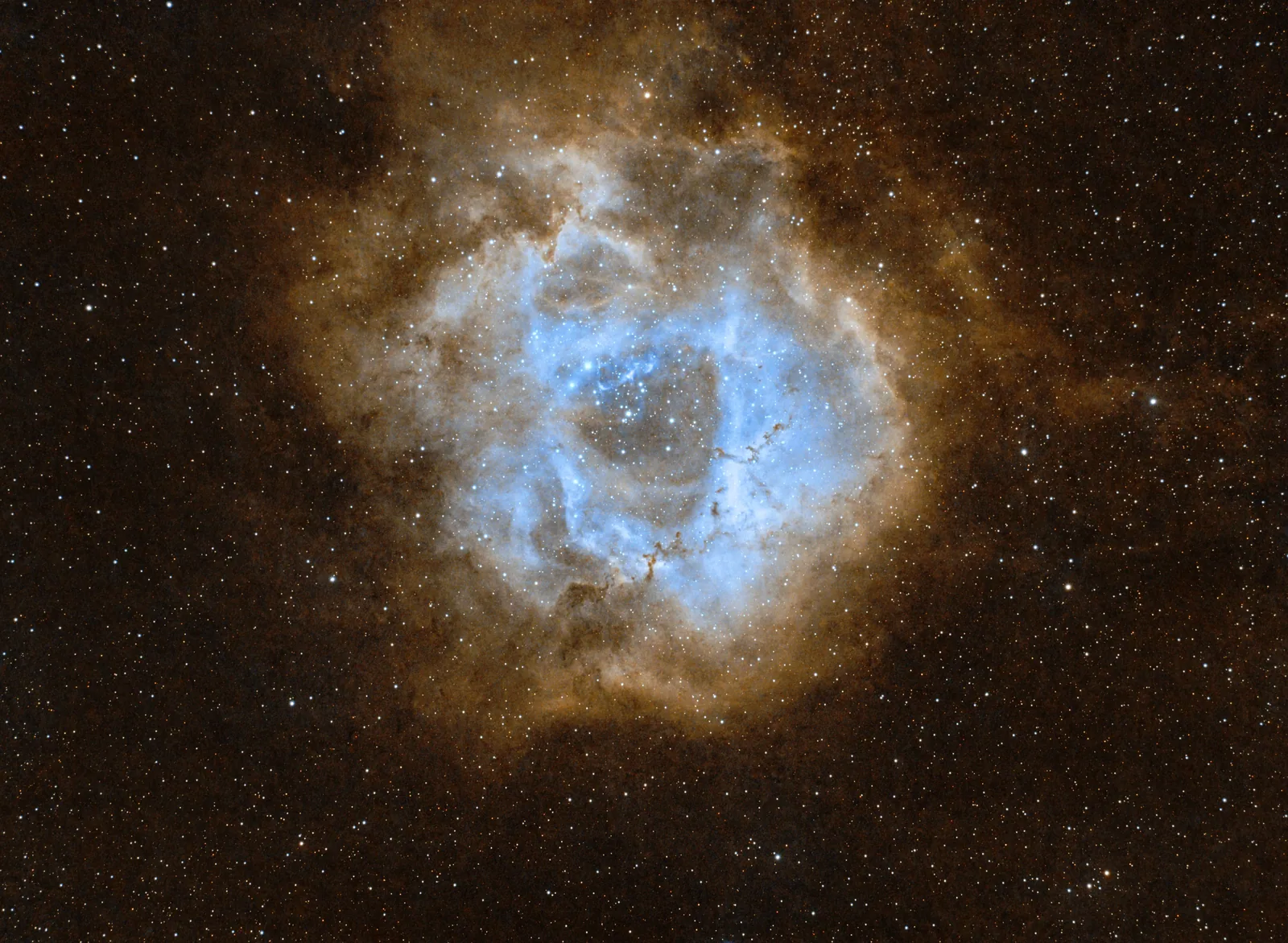
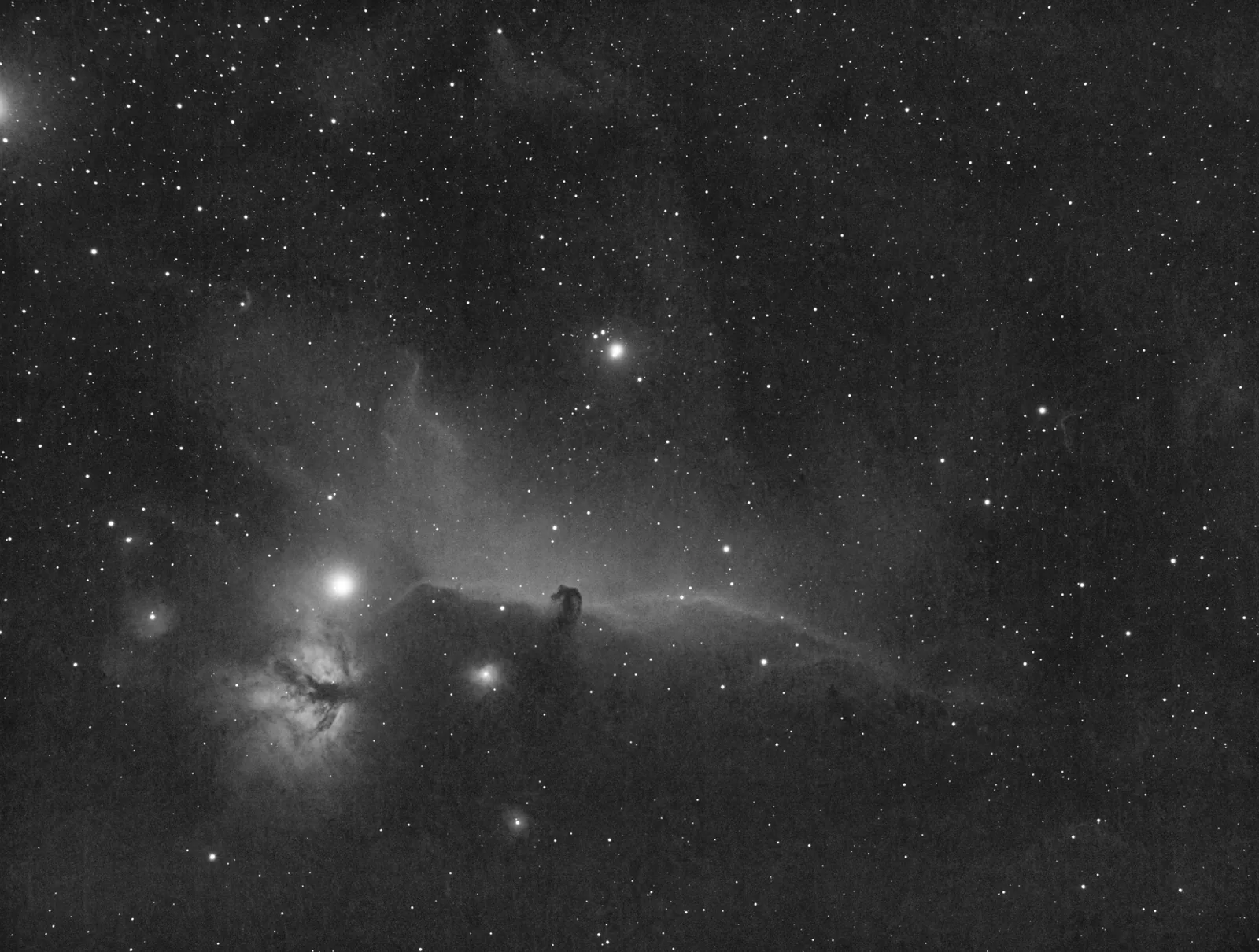
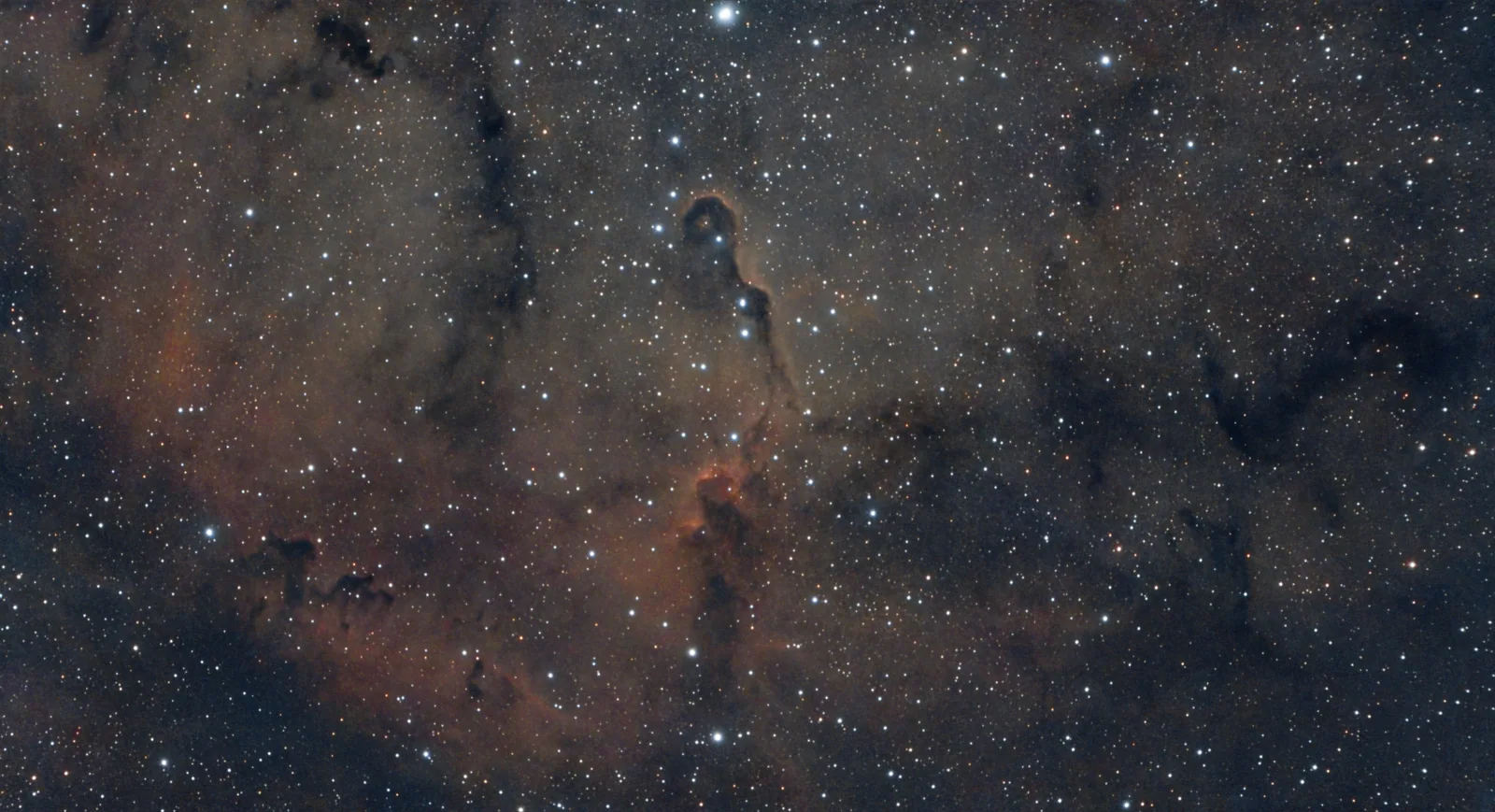
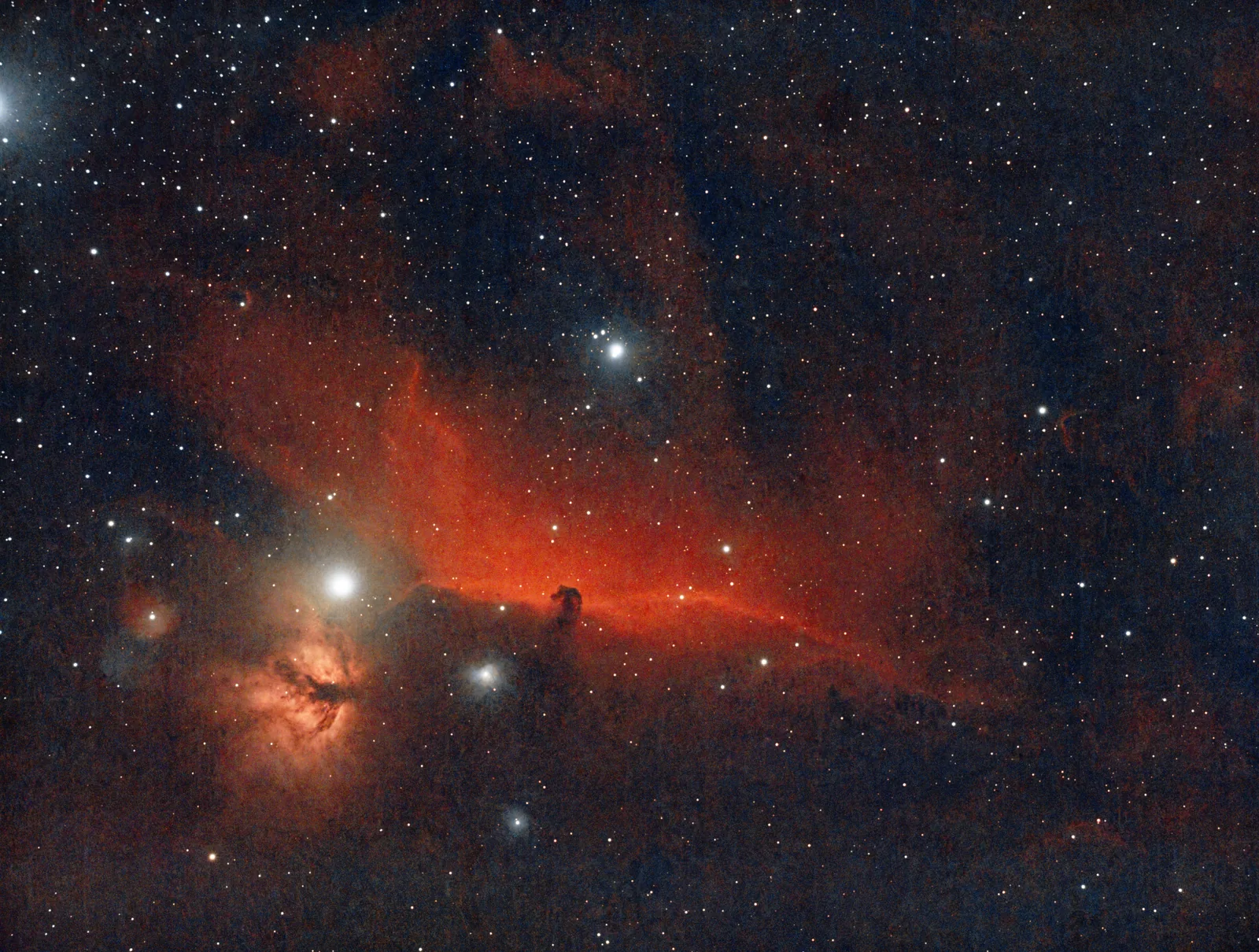
Every image below started as an ordinary stacked file. All edited from an iPhone with AstroEditor AI Pro and nothing else. No desktop hardware or software required. No editing experience required.
What Pro users say
Real results from real data — not renders, not marketing images.
“This got me back into Astrophotography — it takes all the guess work away. All those wasted nights I spent in front of my computer. If you are struggling with the editing side of things give this a go, you wont regret it!”
Redcat 71 / ZWO 533MC Pro
“Much better than the Seestar App — Pro gives me all the control over the editing I need and it gets so much more out of my images versus the Seestar app. I love the new HOO colors and the fact I can do it all from my iPhone”
ZWO Seestar S50
“It doesn't add anything to my images — I was hesitant at first as I had heard bad things about AI - but a chat with the founder Tom cleared it all up. It doesn't use generative AI for any of the editing. The AI is there to analyse the images and work out what to do with it. Images are edited really quickly and its never had extra stars or a new made up nebula - its only my captured data.”
Celestron C8 Edge HD / ASI2600MM
Three steps, no software to install
All the processing happens on our servers. You just need a web browser.
Upload your stacked file
TIF, FIT or FITS, straight from your phone, tablet or laptop. Un-edited works best.
Choose how it should look
Select model, crop, stretch, curves adjustment, contrast, colour boost, palette, star reduction.
It lands in your inbox
Minutes later, we will email you your edited image with the settings used included — plus your TIFF, FITS and stars files if you want them.
Five styles. One capture.
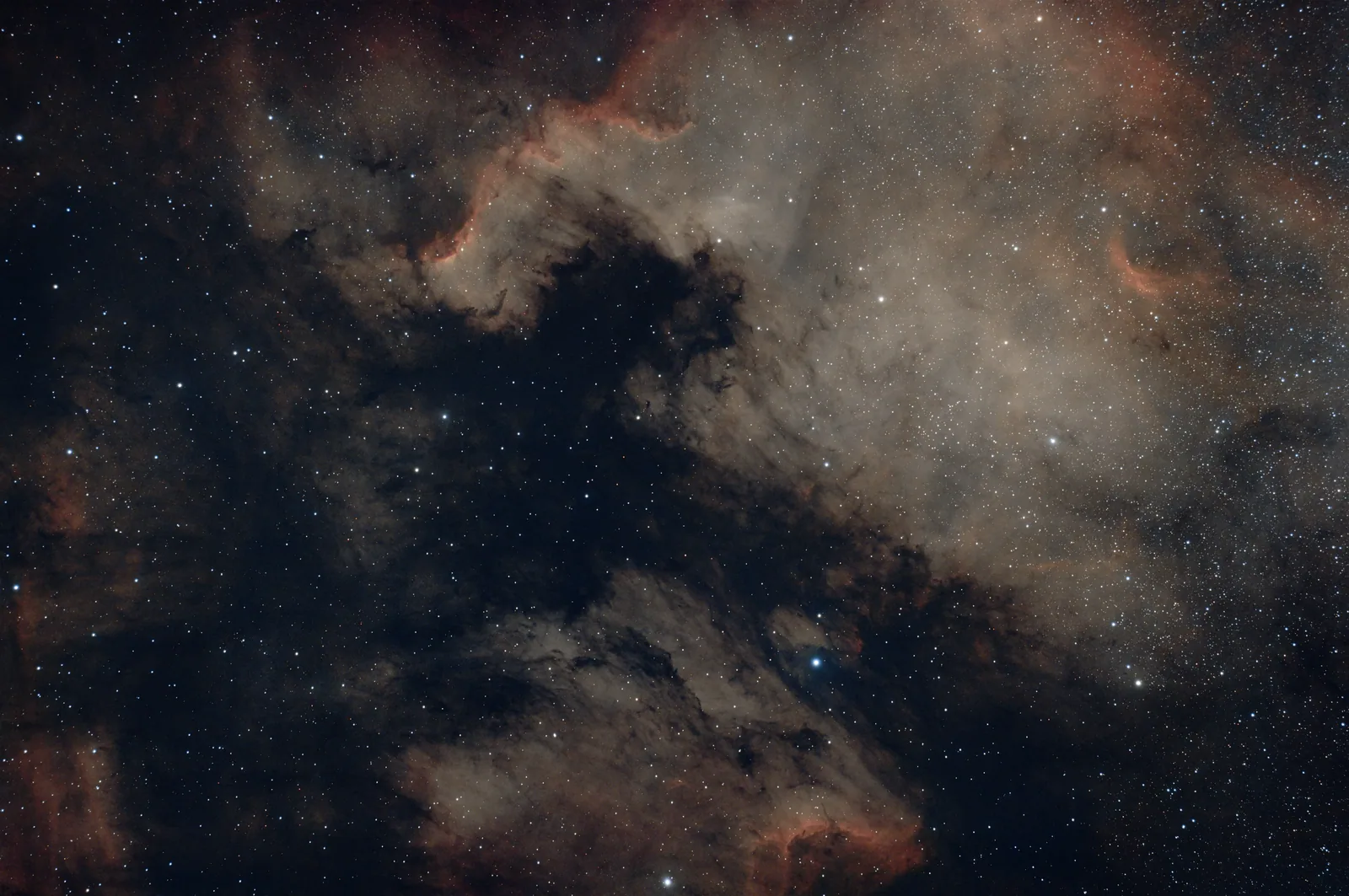
The same night’s data, five completely different images. Run them all and keep the one you like — there’s no extra charge for changing your mind.
Normal
Your image the way the photons landed — balanced, natural colour with the stars left as they are. The safe default, and the right choice for broadband galaxy and cluster work.
Black & White
Strips colour entirely and lets the structure carry the image. Dust lanes, shock fronts and faint outer shells read far more clearly once colour stops competing for attention.
Standard HOO
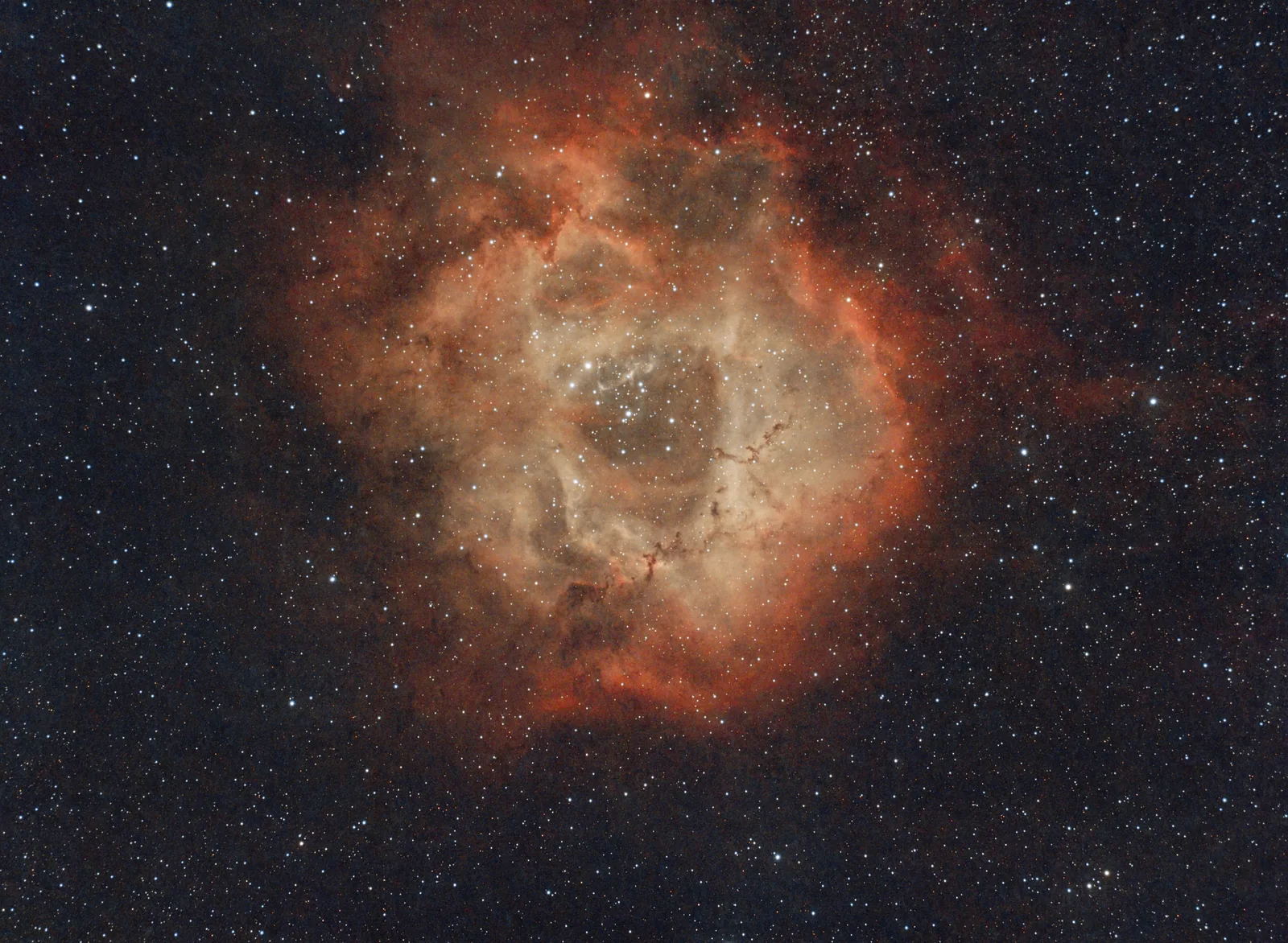
The traditional dual-narrowband treatment: hydrogen-alpha to red, oxygen-III carrying the greens and blues. Pull out the Yellows and Blues with this classic, and instantly recognisable colour palette.
Foraxx HOO
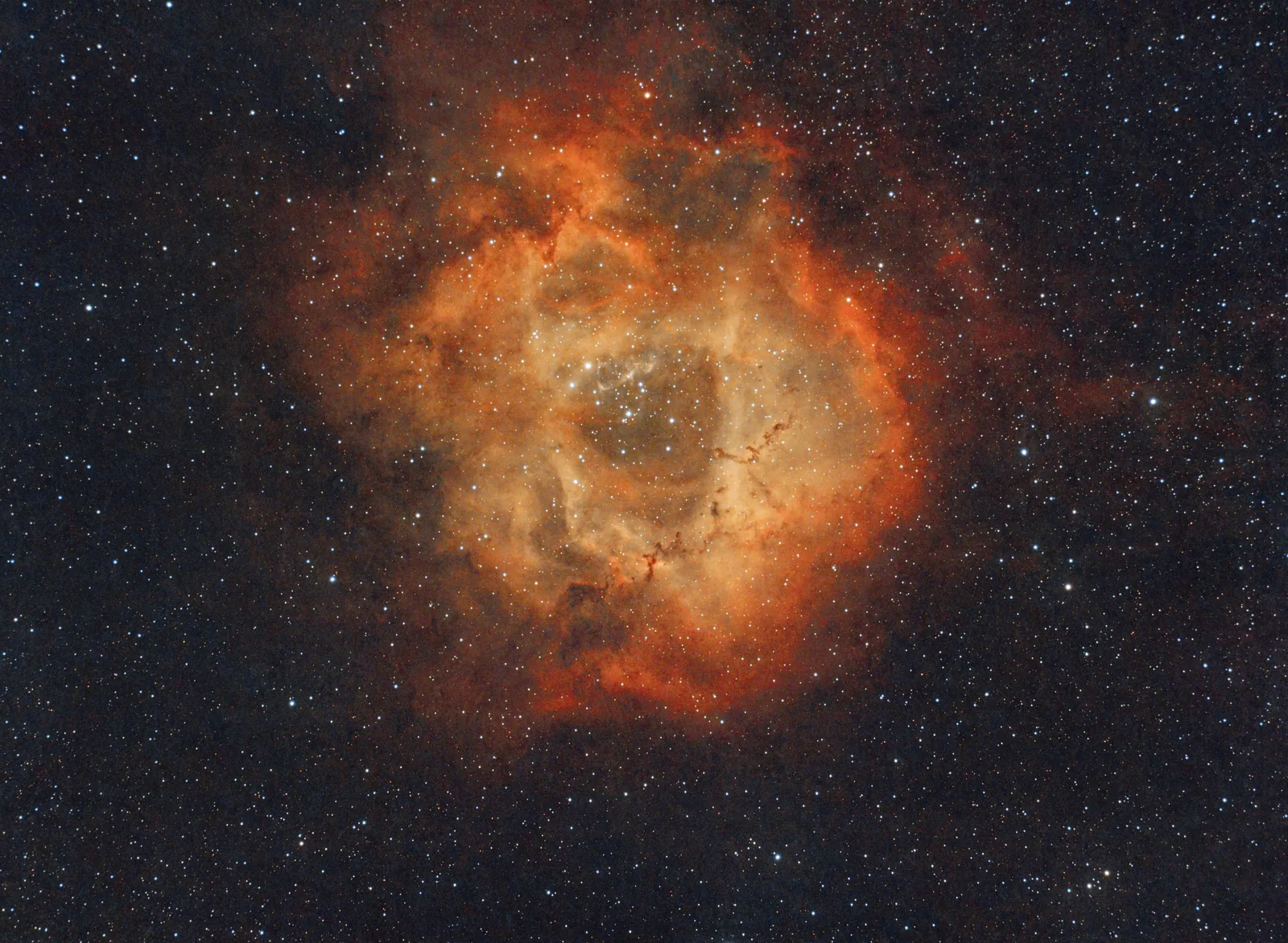
A dynamic take on HOO that blends the channels according to signal strength rather than applying one fixed recipe. Strong Ha cores stay warm while faint OIII shells hold their teal — far less of the flat magenta cast that plagues standard bi-colour.
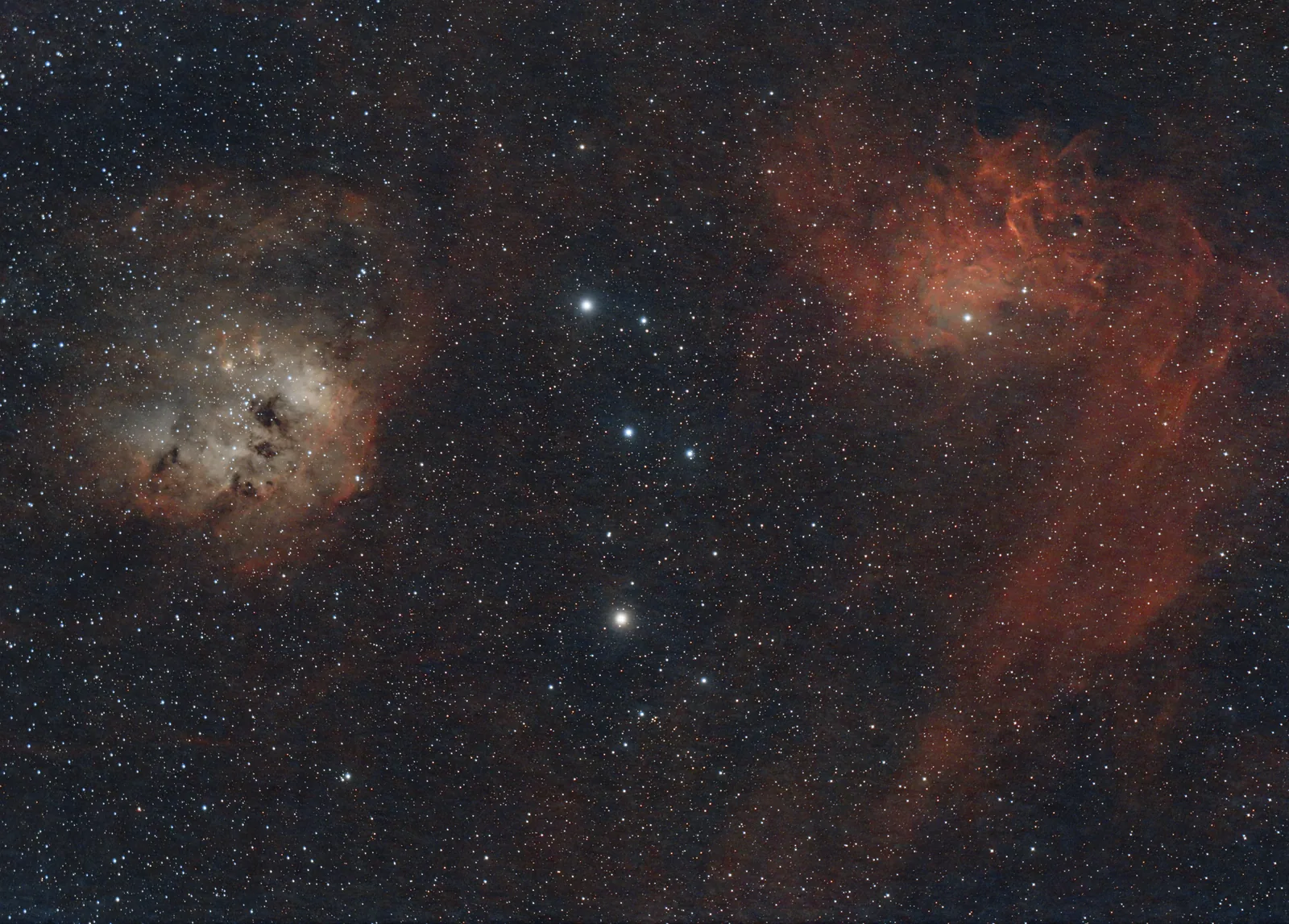
Foraxx SHO
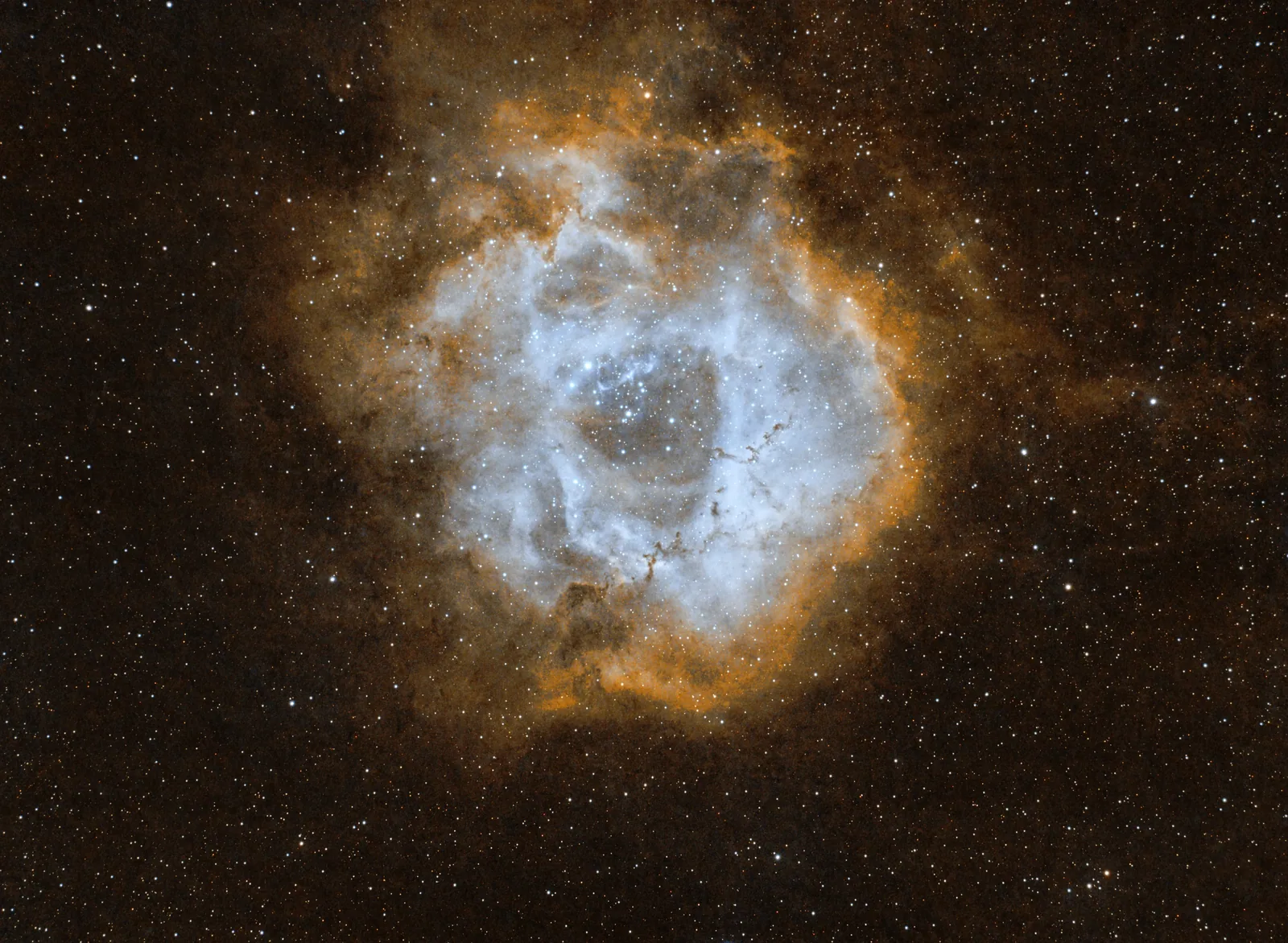
The palette people stop scrolling for. Golds, teals and deep blues mapped dynamically across the frame to give a dual-narrowband image the depth of a three-filter SHO render — without owning three filters.
Four reasons people go Pro
You’ve got the data. Pro hands you control.
Bring your masterpiece to life
Standard gives you one interpretation of your data. Pro gives you five palettes, three contrast levels, colour boosts. fine stretch control and more — you get to sculpt the image to your taste.
Stop waiting for your image
Pro uploads jump the queue. On a clear-night backlog when everyone is processing at once, that is the difference between seeing your image tonight and seeing it tomorrow.
Your edit doesn’t have to end with us
Take away editable TIFF or FITS files, a starless version, and now a separate stars file. Finish in Photoshop, PixInsight or Affinity — or don’t, and just post it.
Multiple edits in minutes
Not sure what will look best? Try 5 different edits of your data quicker than you can make one edit yourself. Want to know what it looks like in HOO? and SHO? and with the blues boosted? and with no stars? All possible with Pro.
It edits your photograph. It doesn’t invent one.
There is no generative AI anywhere in AstroEditor. Every pixel in your finished image comes from light you captured. The AI’s only job is to look at your data and work out how it should be processed.
What the AI does
Decisions, made for you, on your own data.
- Reads your data firstLooks at noise, gradients, star profiles and signal strength before anything is applied.
- Chooses the workflowDecides which processing techniques to use, and in what order, the way an experienced editor would.
- Sets the strength of each stepTunes how hard every stage works for your particular image, rather than running one fixed recipe over everything.
- Applies your choices exactlyYour palette, crop, stretch, contrast and star reduction settings are followed, not overridden.
What it never does
The things people mean when they say “AI image”.
- Invents detailIt will not add stars, structure or nebulosity that is not in your data.
- Fills in what is missingNothing is imagined to make the image look sharper or deeper than your signal supports.
- Replaces your photographWhat comes back is your own data, processed — not a render of what the target usually looks like.
What the new controls actually do
Four of the biggest additions in this release, and the difference each one makes to a finished image.
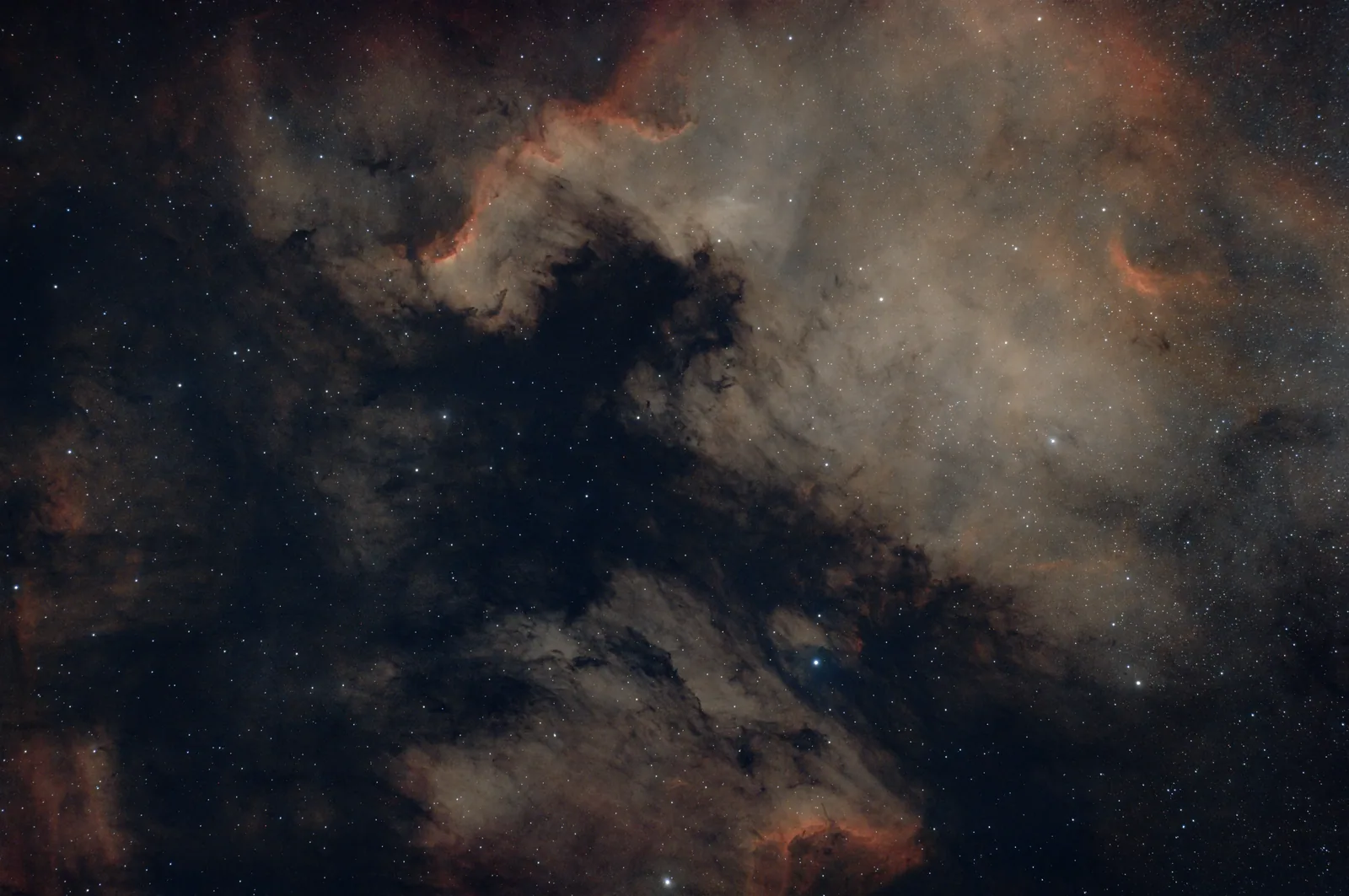
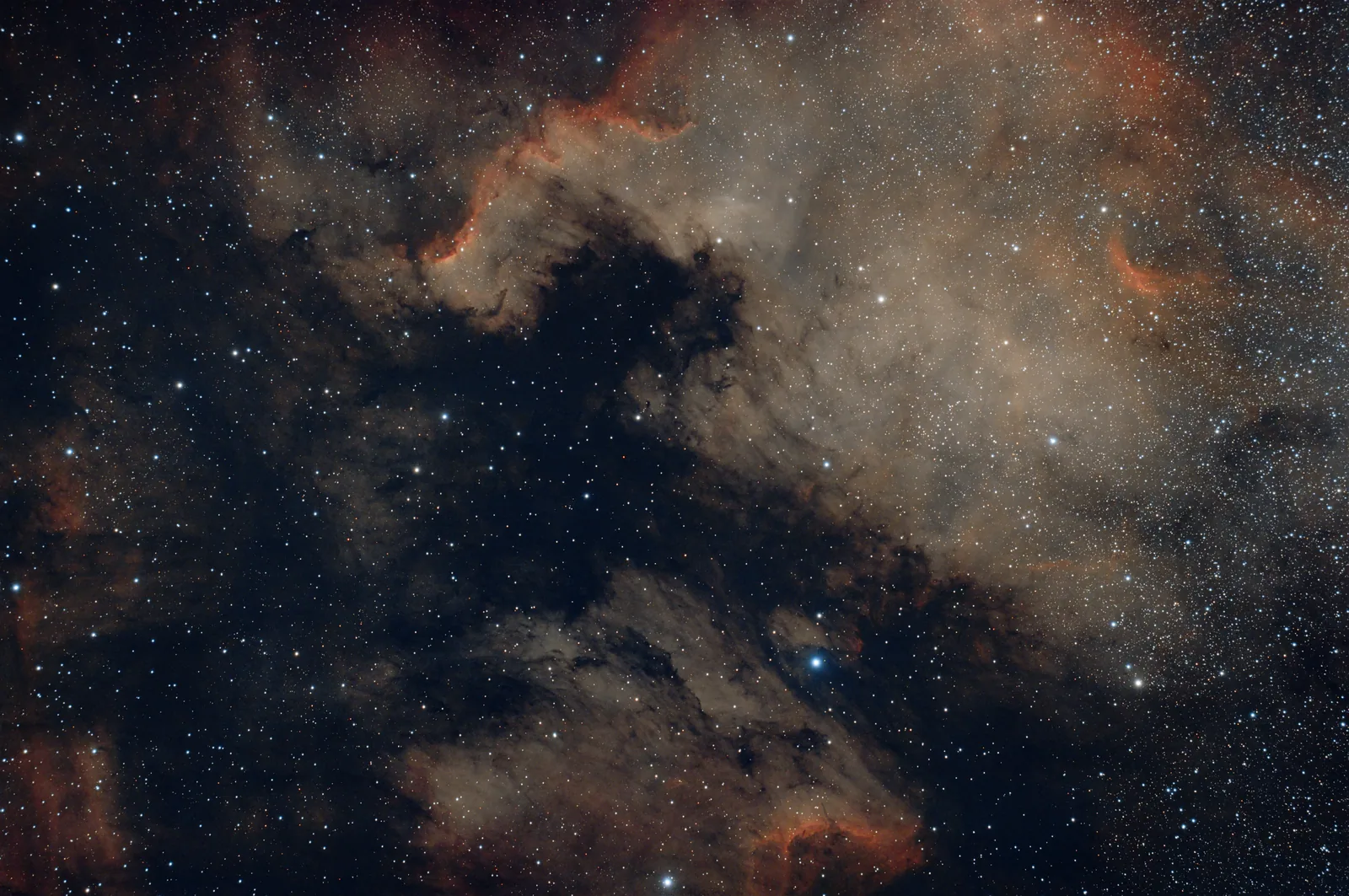
Adjustable star reduction
Bloated stars are the single most common thing holding an otherwise good image back. Pro lets you dial them down by degrees — enough to let the nebula breathe, not so much that the frame stops looking like a photograph. And because you also get the stars as their own file, nothing is thrown away.
Colour Boosts
Narrowband and one-shot-colour data often has the colour hiding in it rather than missing from it. Colour Boosts lift the reds, yellows or blues individually — or all three at once — so you can bring out Ha without turning the whole frame pink, or find the gold in an SHO render.
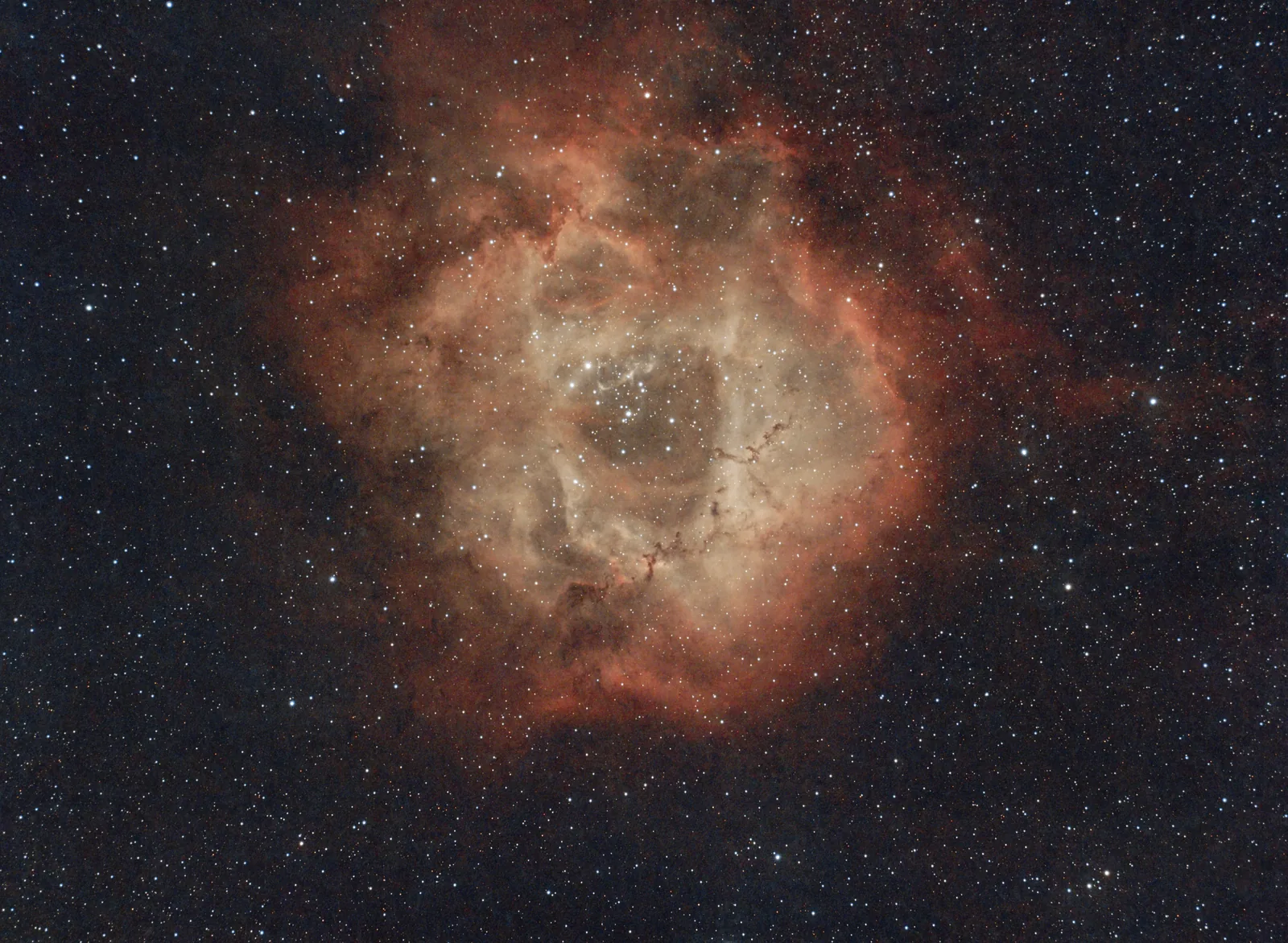
Starless, plus an editable stars file
This is the one experienced imagers ask for. You get the starless image and the stars as a separate file — so you can process the nebula hard without destroying the star field, then bring the stars back at whatever strength you want. You get the best of both worlds. We do the technical editing. You do the final tweaks and add the stars back in.
Selectable curves stretch
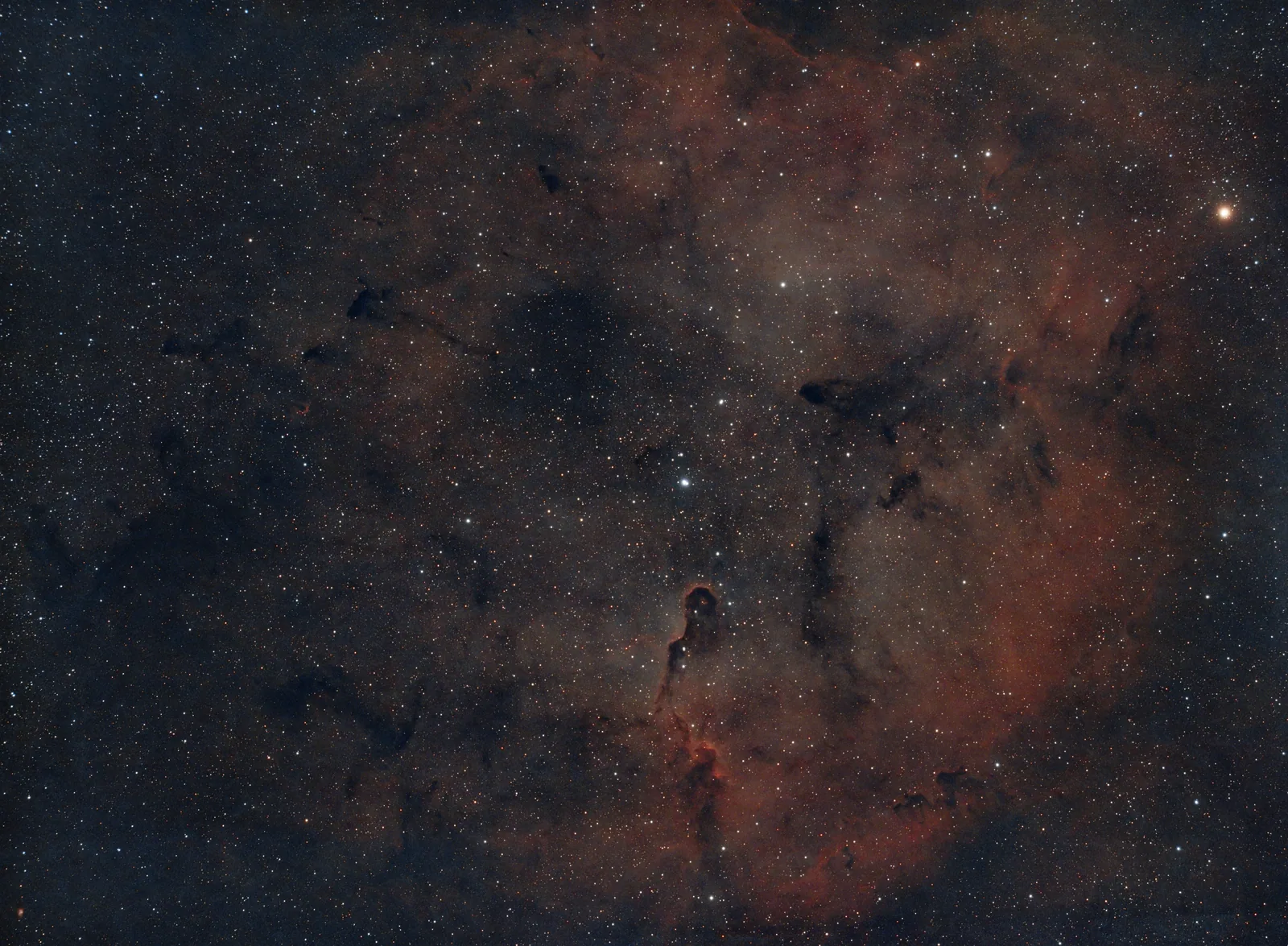
Often the final step of editing is to do a curves stretch to add that last bit of contrast. Pro lets you do this and choose the strength — darken the sky and make the brighter areas pop, get that perfect final touch that standard leaves buried in the background.
Everything in Standard, plus…
Twelve controls that turn a one-click editor into your editor.
Five colour palettes
Normal, Black & White, Standard HOO, Foraxx HOO and Foraxx SHO. Re-run the same file in each and pick your favourite.
Colour Boosts
Target the reds, yellows or blues individually — or lift all three together for a richer overall render.
Adjustable star reduction
Bring bloated stars under control by degrees, so the nebula leads without the frame looking artificial.
Starless + Editable stars file
Get the starless image and the stars as separate files. Recombine, replace or reduce them however you like.
Final curves stretch
Put that final touch on your images with a curves stretch. Darken the sky and dust, boost the nebula, just the way you like.
Fine stretch control
Tune the stretch anywhere from 10% to 100% instead of picking from three fixed presets.
Three contrast levels
Low, medium or high — a quick way to add punch to flat data or calm an over-cooked stretch.
Increased crop control
Auto, Auto (v2), None, Small (5%), Medium (10%) or Large (20%). Take control instead of accepting the default.
TIFF & FITS output
Editable files alongside your JPEG, ready for Photoshop, Affinity or PixInsight.
Priority processing
Your uploads go to the front of the queue, even on a busy clear night.
Combine any filters
Starless, Foraxx SHO with reduced stars and a colour boost? Stack the options and run it in one go.
Priority support
Questions answered first, by the person who built it.
Standard vs Pro
Standard is free and stays free. Here is exactly what the upgrade adds.
| Feature | Standard | Pro |
|---|---|---|
| Price | Free with an account | £5/month or £100 lifetime |
| Editing models | Standard & Smart Telescope * with updated v2 models | Standard & Smart Telescope * with updated v2 models |
| Auto crop | ||
| Editing options included in your email | ||
| Processing queue | Standard queue | Priority queue |
| Download formats | JPEG | JPEG + TIFF + FITS |
| Crop control | Auto only | Auto, Auto (v2), None, Small, Medium, Large |
| Stretch control | 3 preset levels | 10–100% fine control |
| Final curves stretch | ||
| Contrast levels | Low, Medium, High | |
| Saturation boost | Low, Medium, High | |
| Colour Boosts | Reds, Yellows, Blues or All | |
| Colour palettes | Normal | Normal, B&W, Standard HOO, Foraxx HOO, Foraxx SHO |
| Starless image | ||
| Adjustable star reduction | ||
| Editable stars file | ||
| Combine multiple filters | ||
| Support | Standard | Priority |
Scroll the table sideways on mobile.
Two ways to go Pro
Same features either way. No limits on access. The only question is whether you’d rather pay monthly or once.
Try it for a month. Keep it if it earns its place.
- Every Pro feature
- All five colour palettes
- TIFF, FITS and stars files to edit yourself
- Priority queue and priority support
- Cancel anytime — no notice period
Secure monthly payment. Cancel from your account at any time.
Get the latest models, forever.
- Everything in Monthly, forever
- Every future Pro feature included
- No renewals, no price rises
- About the price of one narrowband filter
- Early Access to new features
Secure one-time payment. Includes all future Pro updates.
Already have an account? Upgrading takes about a minute and your next upload uses Pro straight away.
Before you upgrade
Do I need a fast computer?
No. Everything runs on our servers. If your device can open a web browser and upload a file, it can run AstroEditor AI Pro — including a phone or tablet in the field.
Will it work with my smart telescope?
Yes. The Smart Telescope model is built for Seestar S30 and S50, Dwarf 2 and 3, Vespera and similar. Traditional rigs use the Standard model. Both were improved in the latest release.
What files do I upload?
TIF, FIT or FITS. Ideally stacked and unedited — the less you have already done to the file, the more the models have to work with.
What’s the difference between Standard and Pro?
Standard is free and gives you a finished JPEG from 3 preset models with auto crop. Pro gives you the controls: five colour palettes, star reduction, colour boosts, curves stretches, crop control, and editable TIFF, FITS and stars files — plus priority processing.
Can I cancel?
Yes, anytime, from your account. You keep access until the end of the period you have paid for, and your free Standard access never goes away.
Monthly or lifetime — which should I pick?
Monthly if you want to try it against your own data first. Lifetime if you already know you will still be imaging in two years: it breaks even at 20 months and includes every Pro feature we add after that. You also get VIP access to any new release or feature.
What if the edit doesn’t come out how I wanted?
Re-run it and tweak the settings. Different targets suit different models, stretches and palettes, and the settings used are now included in your image email so you can change one thing at a time and see what it does. If you are still having issues, email us at support@astroedit.co.uk and we will happy to help you get the best results out.
Do I still get the original file?
We only take a copy of your original file to edit. Pro simply returns more versions of it — JPEG, TIFF or FITS, starless, stars-only, and whichever palette you chose.
Your data is already good enough.
The difference between a decent image and one people stop scrolling for is usually the edit — not the gear. Pro gives you that edit for the price of a coffee a month.